
How to Clean an Email List and Improve Deliverability
Learn how to clean an email list properly by removing invalid, risky, duplicate, and inactive contacts to improve deliverability, reduce bounce rates, and protect sender reputation.
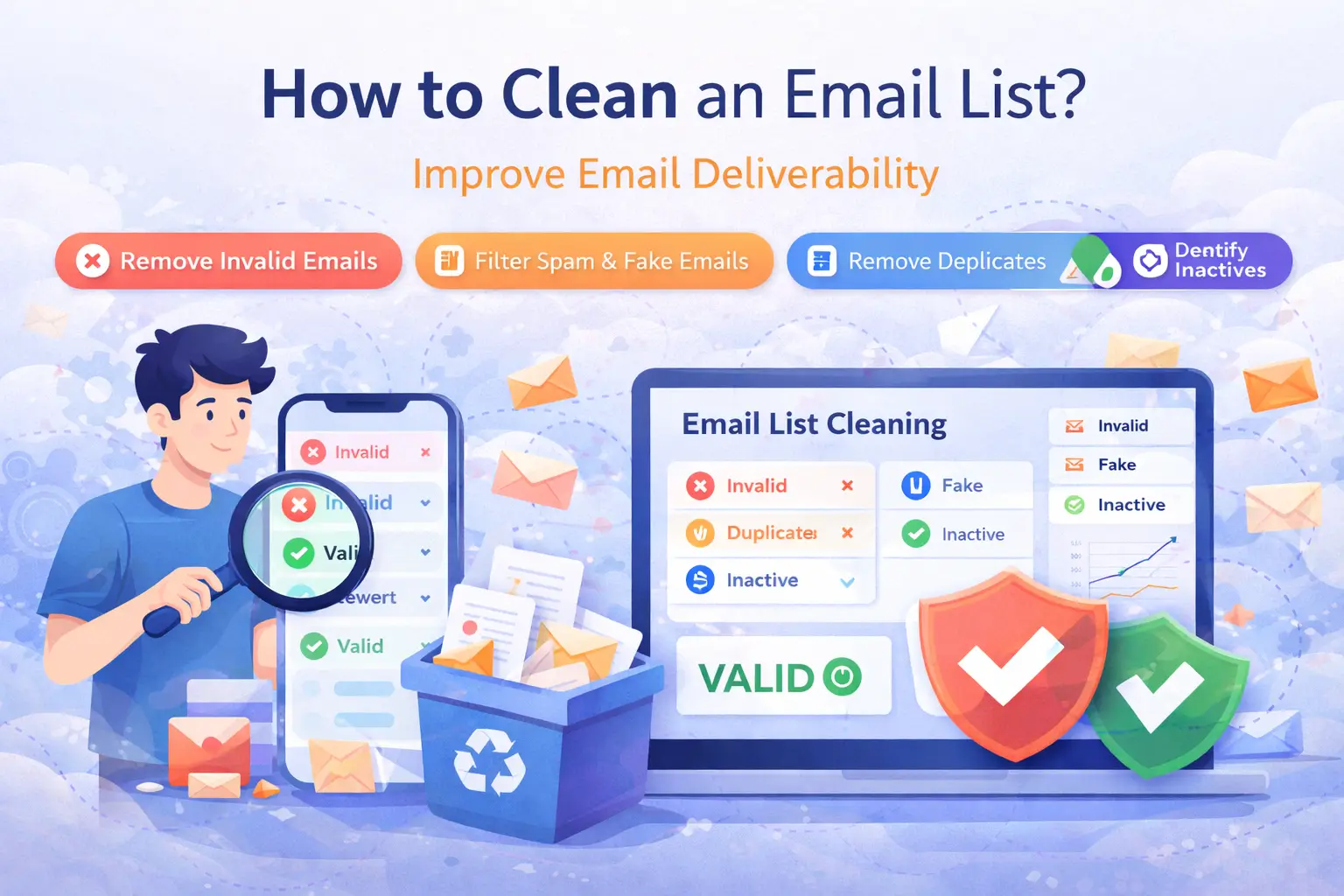
Email List Cleaning Guide
How to Clean an Email List and Improve Deliverability
A clean email list is one of the strongest foundations of successful email marketing. If your list contains invalid, outdated, risky, or disengaged contacts, your campaigns can suffer from higher bounce rates, poor inbox placement, and wasted budget. Cleaning your list helps you send smarter and protect long-term deliverability.
Read Time: 8 min | Category: Email Deliverability
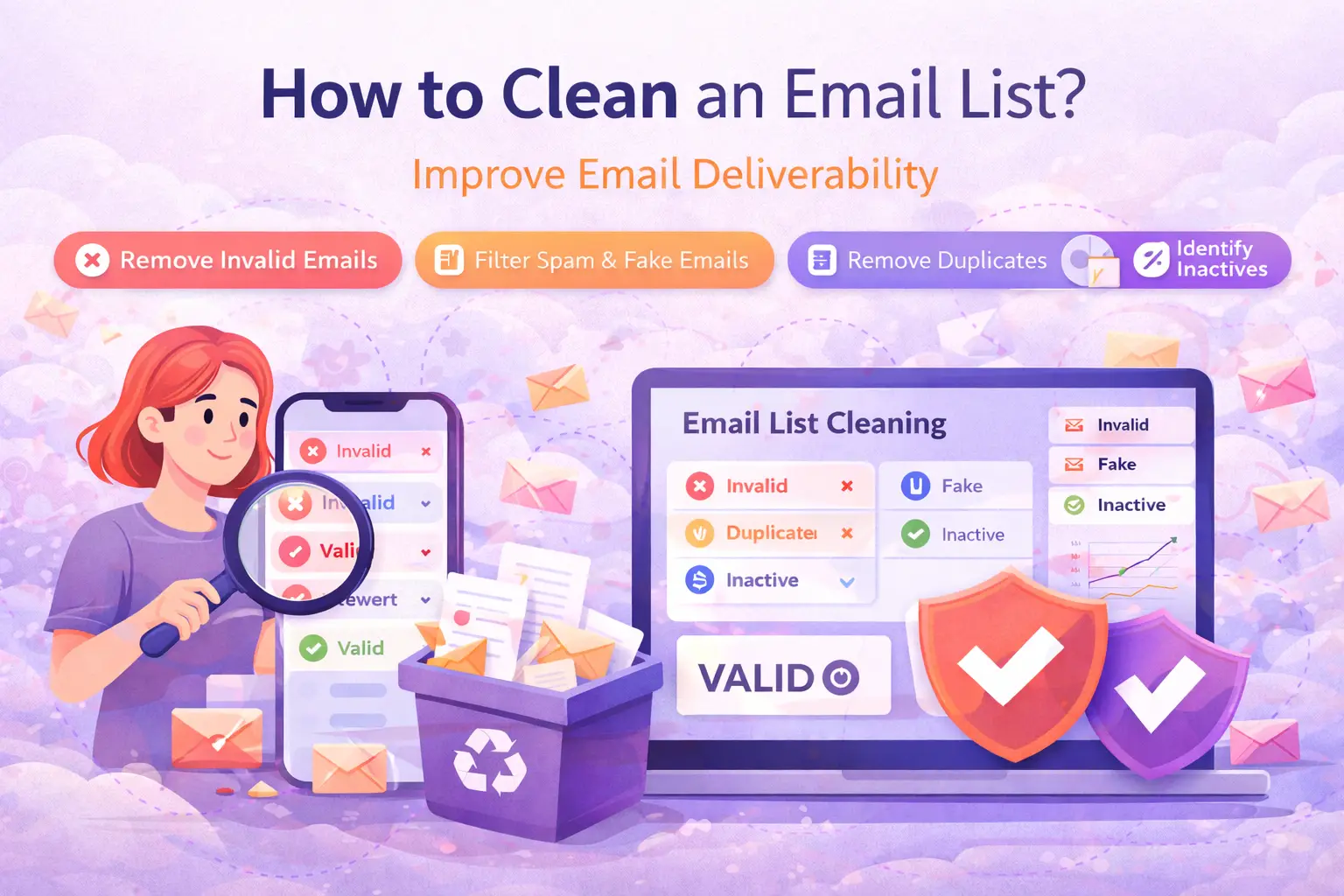
Why Email List Cleaning Matters
Many businesses focus on creating better subject lines, stronger offers, and more attractive email designs. Those things matter, but they cannot fix a poor-quality email list. If you keep sending to invalid or risky addresses, email providers start seeing your campaigns as less trustworthy.
Over time, bad list hygiene can reduce open rates, weaken sender reputation, increase bounce rates, and send more of your emails to spam. Cleaning your list is not just a maintenance task. It is a deliverability protection step that directly affects performance.
What Happens When You Do Not Clean Your Email List?
- Higher bounce rates from invalid or expired email addresses
- Lower engagement from inactive or abandoned inboxes
- More spam placement because providers see weak list quality
- Wasted sending costs on contacts that will never convert
- Damaged sender reputation that hurts future campaigns
If you send regularly, even a small amount of bad data can slowly reduce the effectiveness of your entire email program.
Step 1: Remove Invalid Email Addresses
The first step in cleaning an email list is identifying invalid email addresses. These may include wrongly formatted emails, non-existent domains, or mailboxes that can no longer receive messages.
Removing invalid contacts immediately reduces hard bounces and helps protect your sender reputation. This is one of the fastest wins in list hygiene.
Step 2: Filter Out Disposable and Fake Emails
Disposable email addresses are often used for temporary signups, fake registrations, or one-time access. These addresses rarely deliver long-term value to your business and can lower the overall quality of your list.
- Disposable emails create low-quality signups
- Fake emails distort campaign reporting and lead quality
- Temporary inboxes rarely support real customer engagement
Filtering these addresses helps you focus on real users and more reliable opportunities.
Clean Your List First
Better campaigns start with better data.
Before you launch your next campaign, clean your email list to reduce bounce rates, remove risky contacts, and improve deliverability with more confidence.
Step 3: Remove Duplicates and Outdated Contacts
Duplicate addresses make reporting less accurate and can create a poor subscriber experience. Outdated email contacts also reduce performance because they often belong to people who have changed jobs, abandoned inboxes, or no longer engage.
Cleaning duplicates and outdated records gives you a more reliable database and cleaner campaign metrics.
Step 4: Review Risky Emails Carefully
Not all emails are clearly safe or clearly bad. Some addresses fall into a risky category, such as catch-all domains, role-based addresses, or mailboxes with uncertain status. These contacts may still receive messages, but they require more caution.
- Catch-all emails may accept messages without confirming real user activity
- Role-based emails such as info@ or admin@ may not support strong engagement
- Uncertain inboxes can reduce list quality if overused
Instead of sending blindly, risky emails should be reviewed and handled carefully based on your campaign strategy.
Step 5: Remove Inactive Subscribers
Even valid email addresses can hurt performance if the people behind them never engage. A large segment of inactive subscribers can reduce open rates and send negative quality signals to inbox providers.
If contacts have not opened or clicked in a long time, it may be worth moving them into a re-engagement campaign or removing them from your main sending list.
How Often Should You Clean an Email List?
Email list cleaning should not be treated as a one-time task. Lists naturally degrade over time as people change jobs, abandon inboxes, or use temporary signups.
- Before every major campaign
- Before importing external lead lists
- At regular monthly intervals for active senders
- During registration or form submission workflows
Regular list hygiene keeps your data healthier and your campaign performance more stable over time.
How NexMailPro Helps You Clean Email Lists
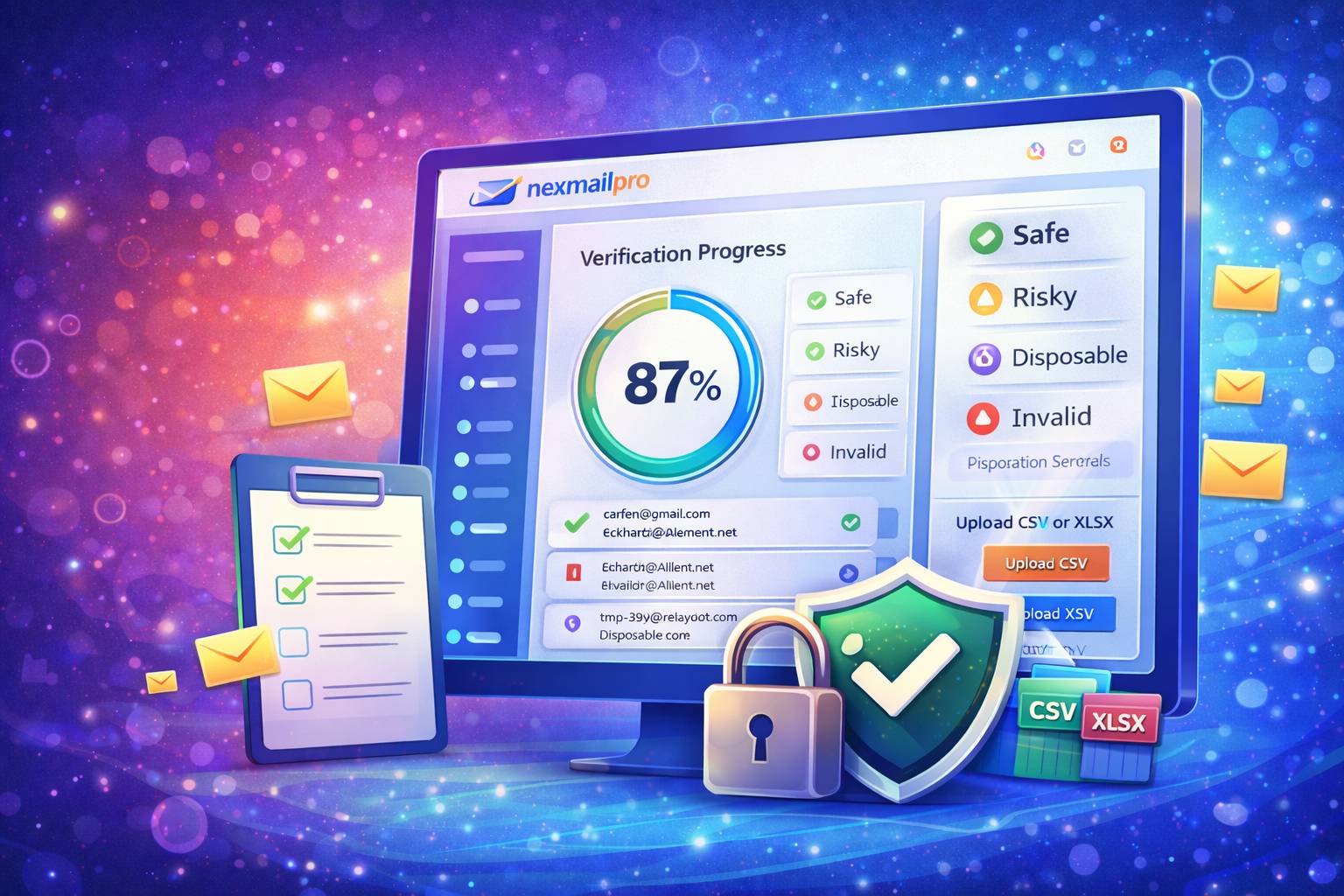
NexMailPro helps businesses clean email lists with smarter validation and bulk processing tools. Instead of manually sorting thousands of contacts, you can upload your file, identify invalid and risky emails, and make cleaner sending decisions faster.
- Bulk CSV verification for fast list cleaning
- Single email checks for quick individual validation
- Risk detection for invalid, disposable, and suspicious addresses
- Smarter filtering to separate safe and unsafe contacts
- Cleaner campaign preparation before sending emails at scale
If you want stronger deliverability, more accurate reporting, and less wasted sending effort, cleaning your list is a smart place to start.
Final Thought
Cleaning an email list is not just about removing bad contacts. It is about protecting deliverability, improving campaign efficiency, and giving your marketing better data to work with. A smaller clean list will almost always perform better than a larger unhealthy one.
If you want more reliable email performance, cleaner reporting, and a stronger sender reputation, make list cleaning a regular part of your workflow.
Frequently Asked Questions
What is the best way to clean an email list?
The best approach is to remove invalid, disposable, duplicate, outdated, risky, and inactive contacts using a proper email validation process before sending campaigns.
How often should I clean my email list?
It is best to clean your list before major campaigns, before importing new contacts, and regularly if you send emails often.
Can cleaning an email list improve deliverability?
Yes. A cleaner list helps reduce bounce rates, supports sender reputation, and improves the chances of reaching the inbox.