
How to Clean an Email List Without Losing Leads (Step-by-Step Guide)
Learn how to clean your email list without losing valuable leads. Reduce bounce rates, improve deliverability, and verify emails before sending campaigns.
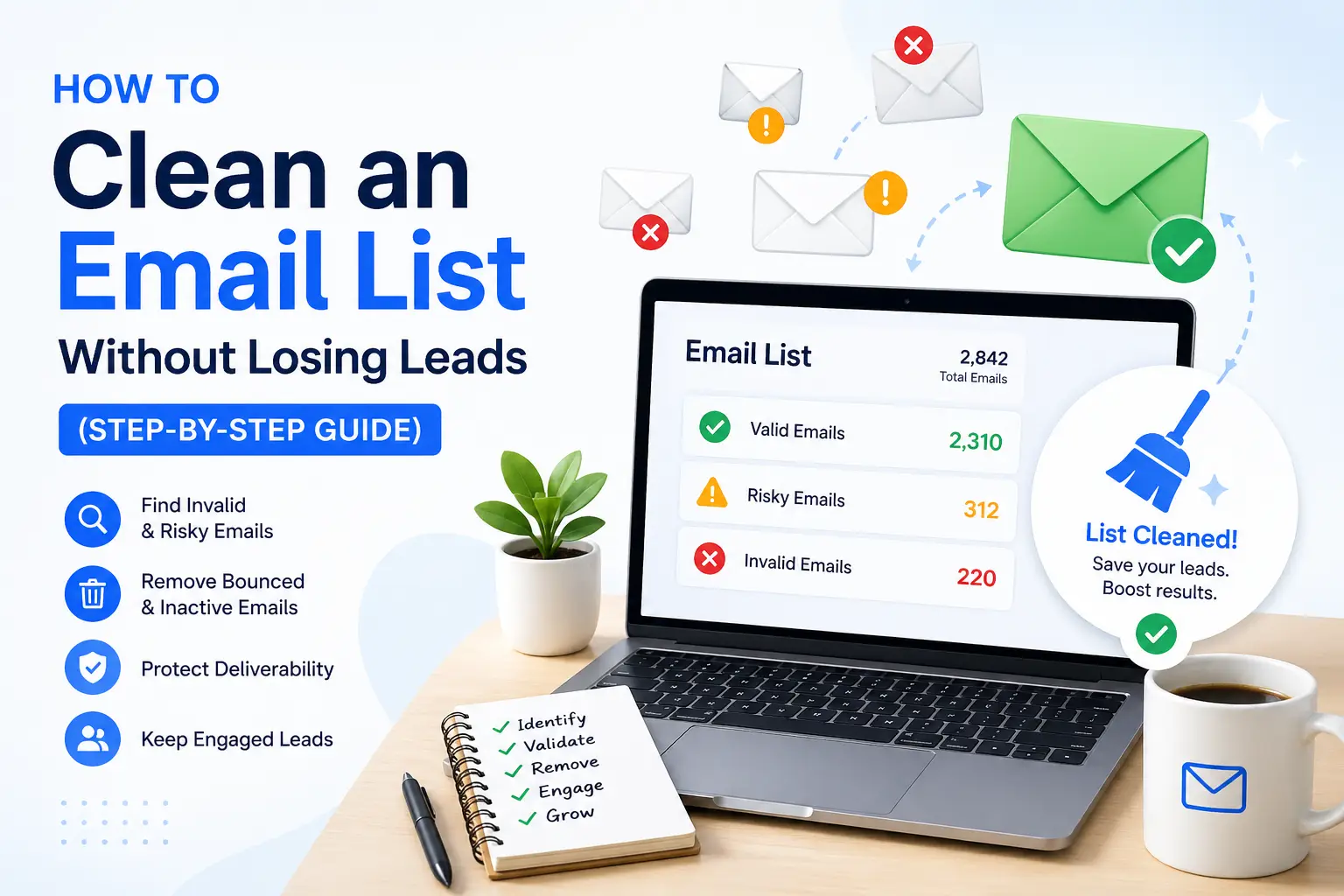
Email List Cleaning
How to Clean an Email List Without Losing Leads (Step-by-Step Guide)
Cleaning your email list is essential to reduce bounce rates, improve deliverability, and protect your sender reputation.
In this guide, you’ll learn how to clean your email list without losing valuable leads, while improving campaign performance and inbox placement.
Read Time: 7 min | Category: Email Deliverability
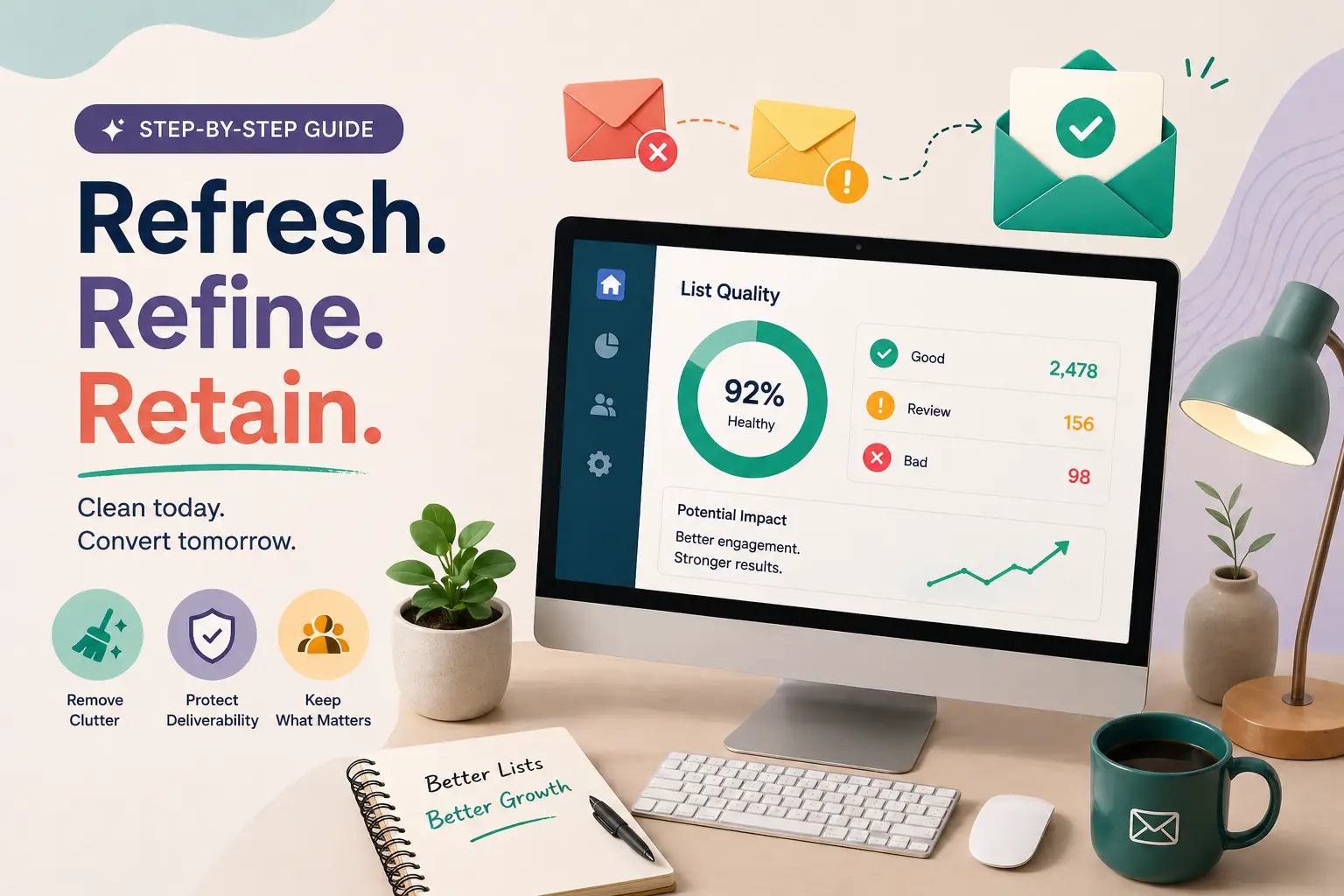
Before cleaning your list, you can use a free email validator to check if email addresses are valid and safe to send.
Why Cleaning Your Email List Matters
- Lower bounce rates by removing invalid emails
- Improve email deliverability and inbox placement
- Protect sender reputation
- Increase campaign ROI
Unclean email lists can contain invalid or risky emails, which leads to wasted sends and poor performance.
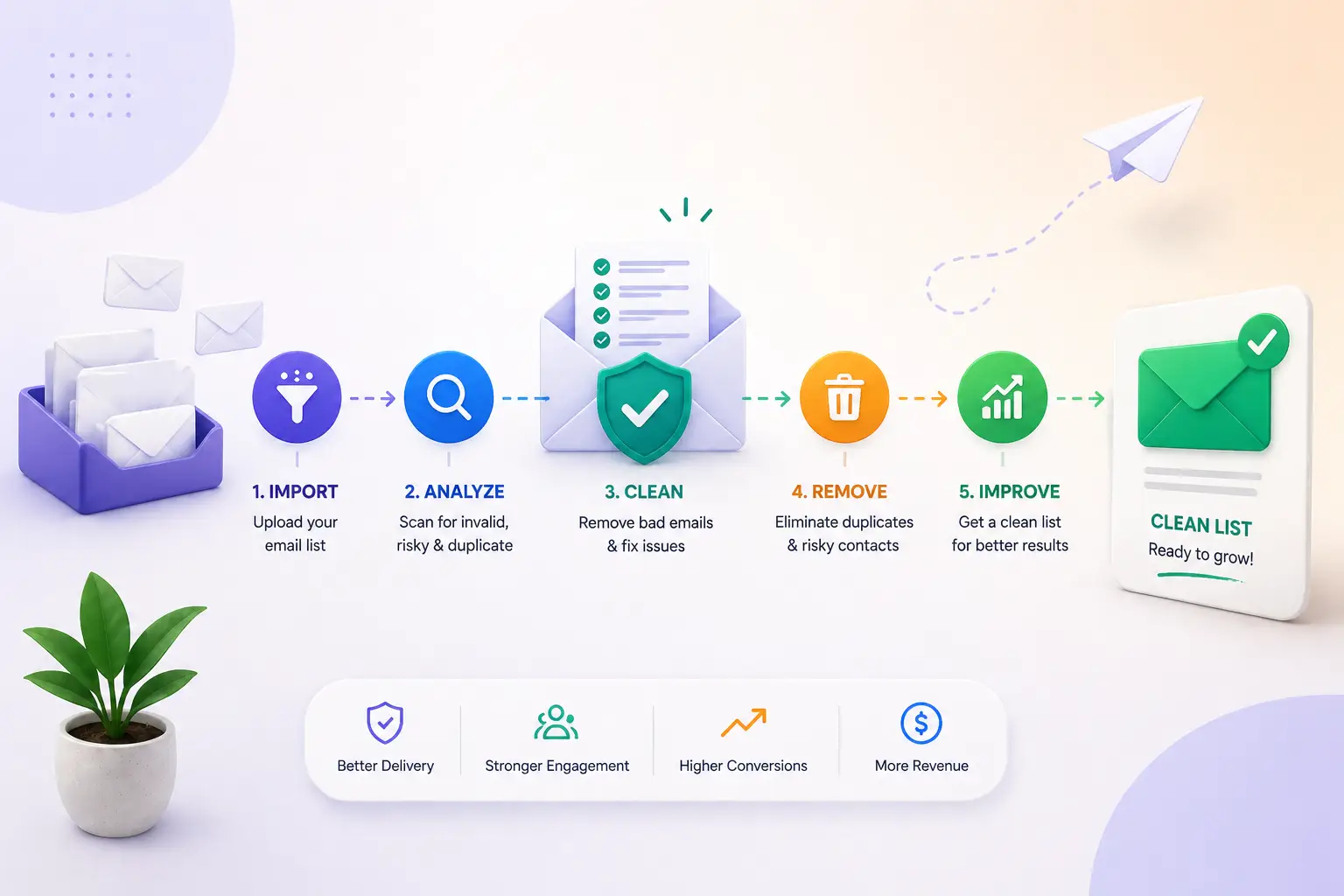
Step-by-Step Email List Cleaning Process
1. Remove Duplicate Emails
Duplicate contacts inflate your list size and distort campaign analytics. Always keep one clean version of each email.
2. Remove Invalid Email Addresses
Eliminate fake emails, typos, and non-existing domains to avoid unnecessary bounce rates.
3. Identify Risky Emails
Detect disposable, role-based, and catch-all emails that may reduce engagement and deliverability.
4. Verify Email Deliverability
Check domain health, MX records, and SMTP signals to ensure emails can actually receive messages.
5. Segment Your Email List
Separate active, inactive, and risky users so you don’t accidentally delete valuable leads.
6. Re-engage Inactive Contacts
Send re-engagement emails before removing inactive users to recover potential conversions.
7. Remove Permanently Bad Emails
Delete hard bounces, spam traps, and invalid emails to maintain a clean and healthy list.
Best Way to Clean Email Lists Fast
Manual cleaning is slow and risky. The best approach is to use a bulk email verification tool to upload your list, detect invalid emails, and export a clean version instantly.
Common Email List Cleaning Mistakes
- Over-cleaning lists: Removing too many contacts
- Skipping verification: Sending without checking emails
- Ignoring risky emails: Catch-all addresses can harm performance
- Not cleaning regularly: Email data becomes outdated quickly
Clean Your Email List Before It Hurts Your Campaign
Verify emails instantly, reduce bounce rates, and improve deliverability using our email validation tool.
Verify Emails NowFinal Thoughts
Cleaning your email list is one of the most effective ways to improve deliverability, reduce wasted spend, and increase campaign performance.
A clean email list helps you reach real users, avoid spam filters, and maximize ROI from every email campaign.
Frequently Asked Questions
How do I clean an email list without losing leads?
Segment your list, verify emails, and re-engage inactive users before removing them to avoid losing valuable leads.
What is the best tool to clean email lists?
A bulk email verification tool helps clean large email lists quickly by detecting invalid and risky addresses.
How often should I clean my email list?
You should clean your email list before every campaign or at least once per month.
Can cleaning email lists improve deliverability?
Yes, removing invalid and risky emails significantly improves deliverability and inbox placement.